
About the App
App Preview & Screenshots
Description
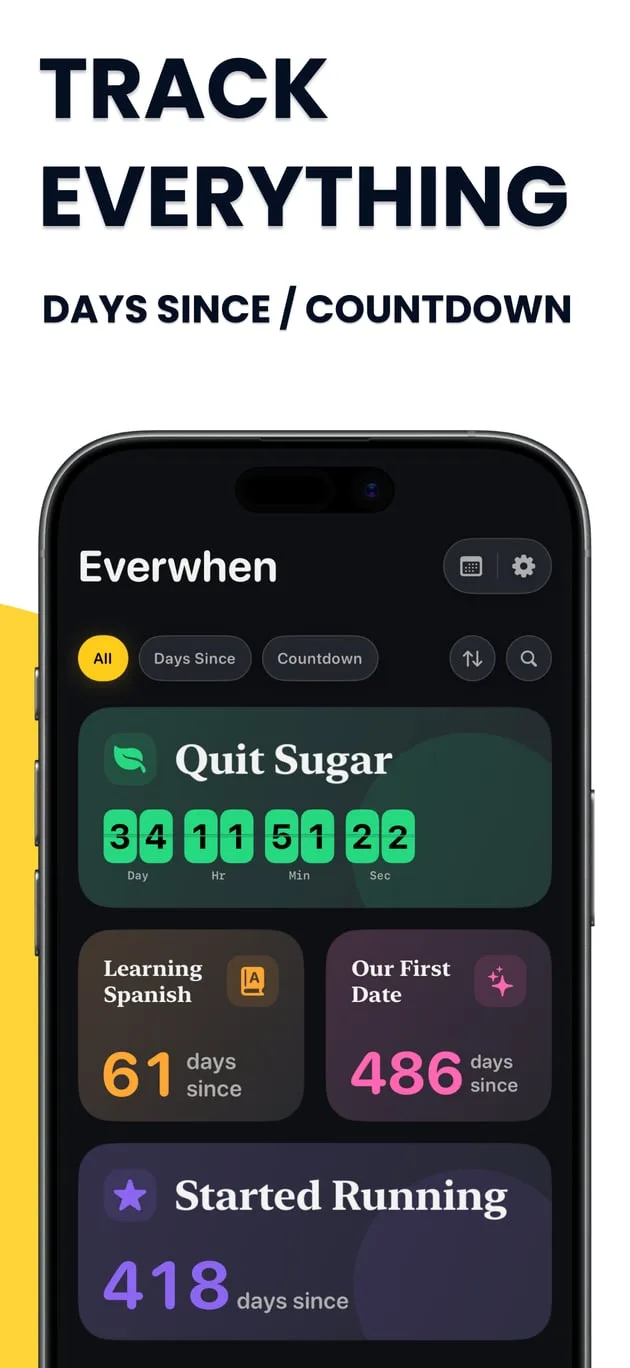
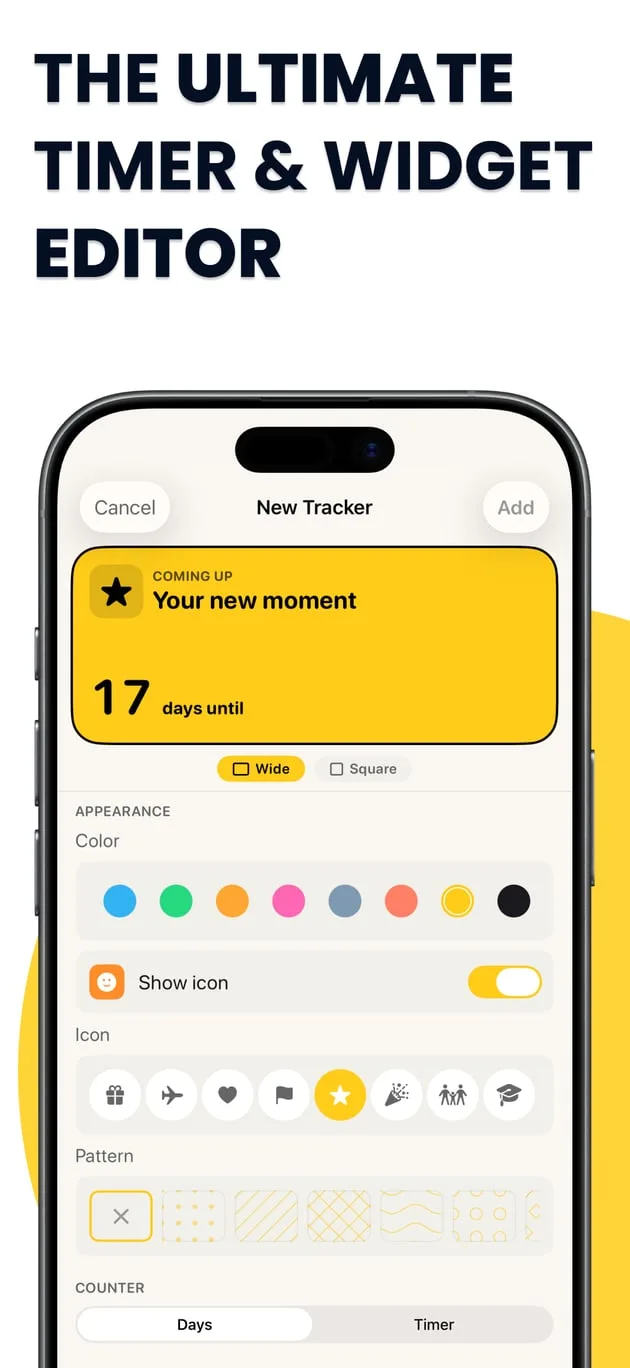
Everwhen helps you remember important dates, count down to upcoming events, and see how much time has passed since meaningful moments in your life.
Create beautiful cards for anything you want to remember or look forward to. A vacation, birthday, wedding, concert, graduation, new habit, relationship, fitness goal, or simply a date that means something to you.
1. Count Down to Special Moments
Have something exciting coming up?
Create a countdown and see exactly how much time is left until your event. Track days, hours, minutes, and seconds.
Perfect for:
- Birthdays
- Vacations and trips
- Weddings and anniversaries
- Concerts and festivals
- Holidays
- Graduations
- Parties
- Important deadlines
- Any date you’re looking forward to
2. See How Far You’ve Come
Everwhen isn’t just about the future.
Use Days Since to track your progress and important milestones.
- Started running
- Quit smoking
- Gave up sugar
- Started a new habit
- First date
- Started a new job
- Began working toward a goal
- Any personal milestone
Sometimes seeing “418 days since” is all the motivation you need to keep going.
3. Create Your Own Style
Make every moment feel personal.
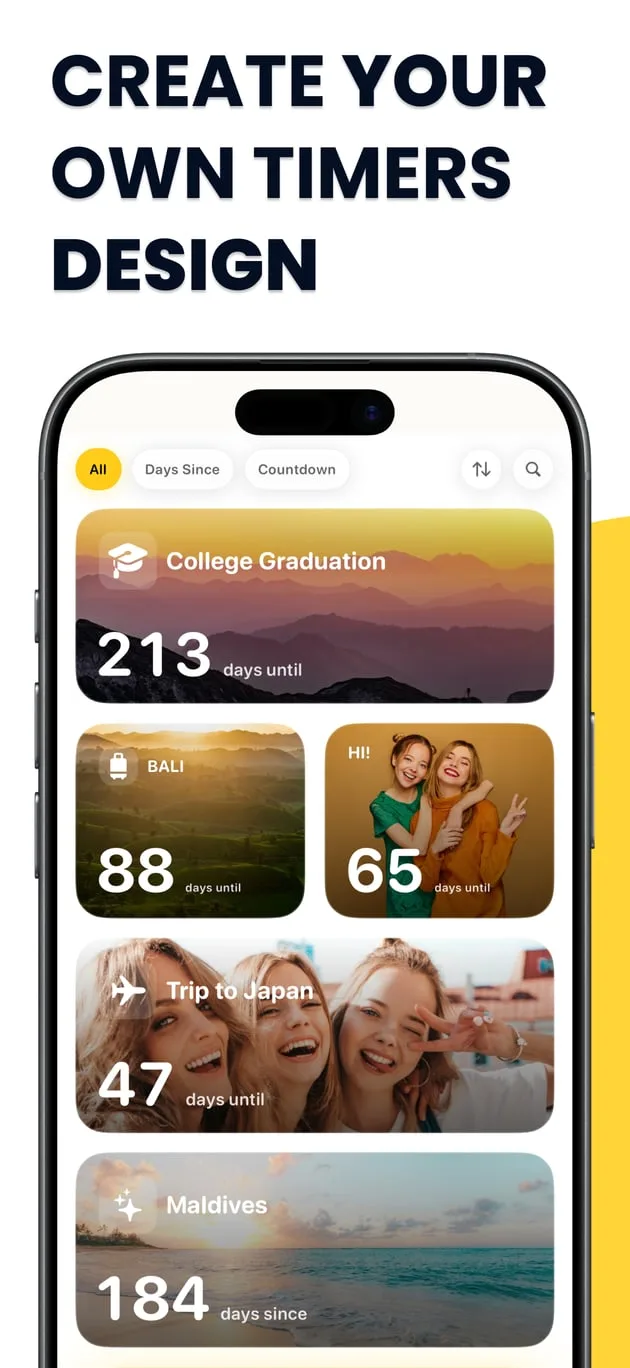
Choose colors, icons, patterns and layouts, or use your own photos as backgrounds.
Every card can look completely different.
4. Beautiful Home Screen Widgets
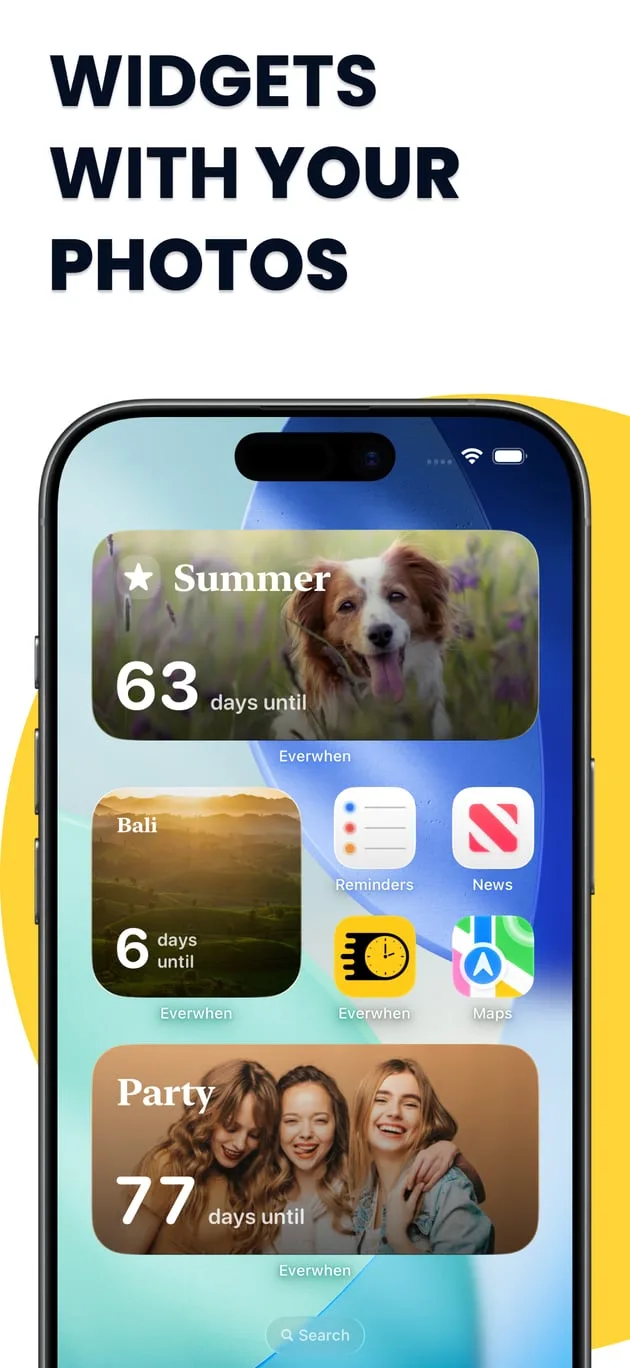
Put your favorite countdowns and milestones directly on your Home Screen.
Use your own photos, create different widget styles, and see the moments that matter every time you look at your iPhone.
5. Everything in One Place
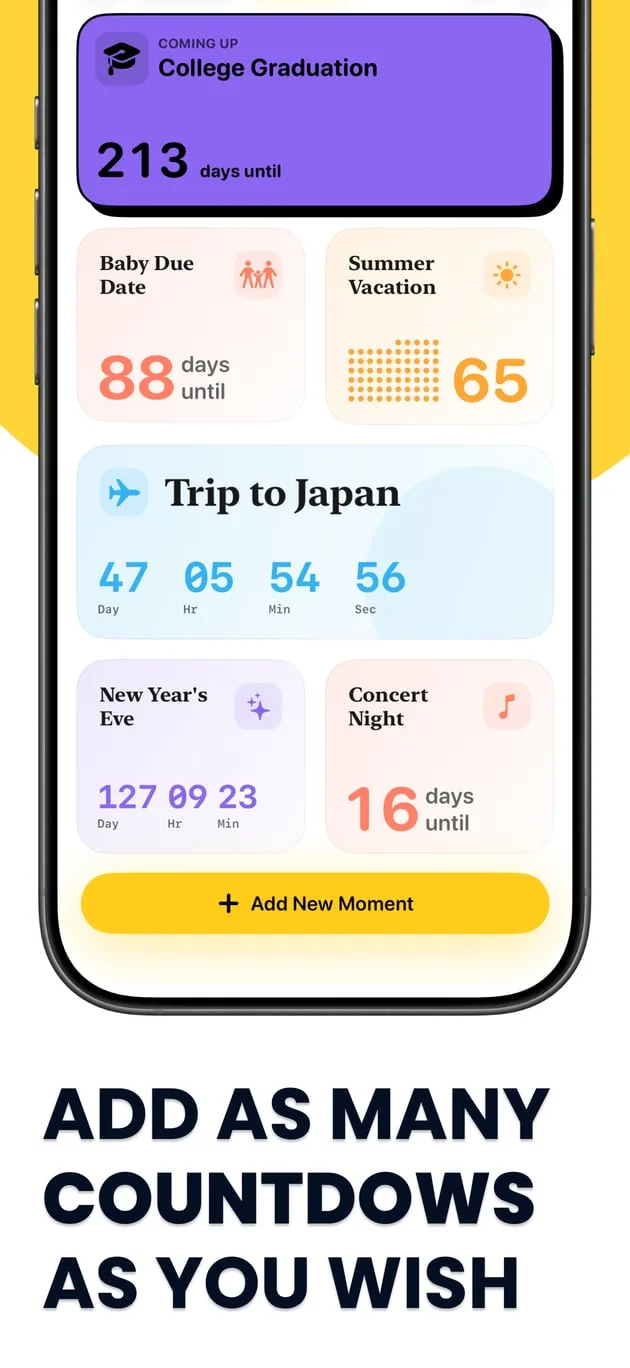
Create as many moments as you want and keep your past milestones and future events together.
- Your next vacation
- Your anniversary
- The day you started running
- Your new habit
- A goal you’re working toward
Whatever you’re counting, Everwhen keeps track of it.
Key Features
- Count Down to Special Moments — Track days, hours, minutes, and seconds until upcoming vacations, birthdays, and celebrations.
- See How Far You’ve Come — Use Days Since to track sobriety, fitness streaks, habits, and personal milestones.
- Create Your Own Style — Personalize cards with custom colors, icons, patterns, layouts, and your own photos.
- Beautiful Home Screen Widgets — Put favorite countdowns and milestones directly on your iPhone Home Screen.
- Everything in One Place — Keep unlimited future events and past milestones together in a single elegant timeline.
What's New
- Added support for iOS Lock Screen and StandBy mode widgets
- Introduced new high-resolution aesthetic backgrounds
- Improved iCloud sync reliability across all devices
- UI enhancements and bug fixes
Verified App Store Reviews
Authentic feedback from real iOS users worldwide
Tracked my wedding countdown and day-since milestones
"Everwhen has the sleekest Lock Screen and StandBy mode widgets of any countdown app. It tracks both days until future events and 'days since' sobriety and habit streaks seamlessly."
Minimalist aesthetic with custom background gradients
"You can assign custom photos, high-res blur cards, and subtle countdown rings. Elegant, battery friendly, and syncs across iOS devices via iCloud."
Repeating anniversary and birthday reminders never fail
"Smart notifications remind you 1 month, 1 week, and 1 day in advance. Wonderful user experience."
Frequently Asked Questions


Guides & Tutorials for Everwhen Countdown Tracker
View all 23 guidesHow to Create Aesthetic Countdown Widgets on iPhone: iOS 18 Lock Screen & StandBy Guide
Bar Exam, USMLE & CPA Study Countdown: Using the Goal-Gradient Effect for Peak Focus
Cruise Countdown Clock: Tracking Sail Days, Check-In Windows & Shore Excursion Deadlines
Days Since Birth: Tracking Exact Baby Days, Months & Wonder Weeks Milestones
Privacy & Terms of Service
FlashSoft ensures end-to-end data security and compliance for Everwhen Countdown Tracker.